Authorized Resellers
Bring EkoTV licenses to your customers.
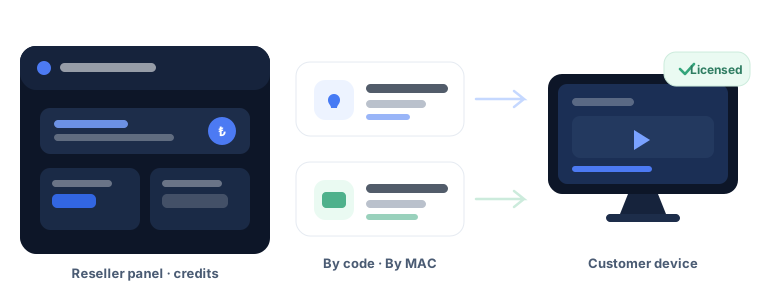
Generate a code in the reseller panel or apply a license directly to a customer's device. Include a playlist with the sale and track your sales in one place.
Two ways to sell
Choose the method that suits your customer. The same license rules apply to both.
Sell by code
Generate a 12-character code in the panel. Your customer enters it on the device portal's Enter Code page to apply the license and any included playlist. The code is bound to one device on first use.
Sell by MAC address
Enter the MAC address and 6-character device key shown in your customer's app. Once matched, you can see the device type and current license status. Confirm to apply the license immediately.
Which devices can you license?
| Device | License | Playlist delivery | Code entry |
|---|---|---|---|
| Android TV | 7-day trial, then a license | Yes | Portal |
| LG webOS | 7-day trial, then a license | Yes | Portal |
| Android (mobile) | Licensed or ad-supported use | Yes | Portal |
| Windows | 7-day trial, then a license | No — license only | Sell by MAC address |
In-app code entry is being developed. In the meantime, customers can enter codes in the device portal, or you can apply a license directly by MAC address.
Want to become a reseller?
Contact us for details about packages, prices and the reseller panel. Our contact details will be available here soon.